CD-ROM Hotplug
Available as of v1.8.0
Harvester supports hotplugging and hotunplugging CD-ROM volumes for running virtual machines. This feature allows you to insert and eject images from CD-ROM devices.
You cannot perform CD-ROM volume hotplugging on existing CD-ROM devices of virtual machines created in clusters running Harvester versions earlier than v1.8.0.
In addition, it is important to distinguish this feature from attaching or detaching the CD-ROM device itself, which still typically requires a VM restart.
Eject an image from an occupied CD-ROM device
-
On the Harvester UI, go to the Virtual Machines screen.
-
Click the name of the target virtual machine, and then go to the Volumes tab.
-
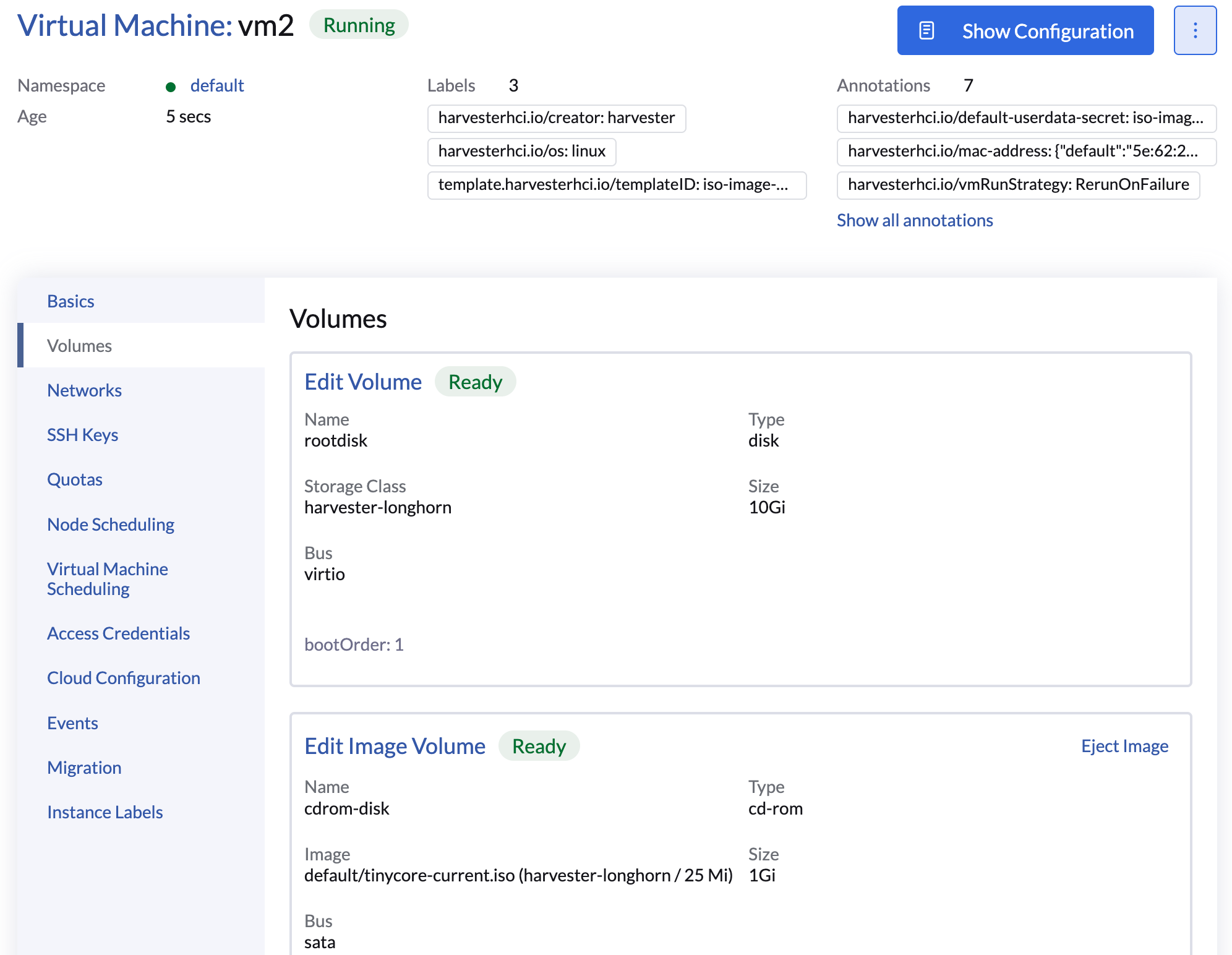
Locate the target occupied CD-ROM volume, and then click Eject Image and Apply.
Insert an image into an empty CD-ROM device
-
On the Harvester UI, go to the Virtual Machines screen.
-
Click the name of the target virtual machine, and then go to the Volumes tab.
-
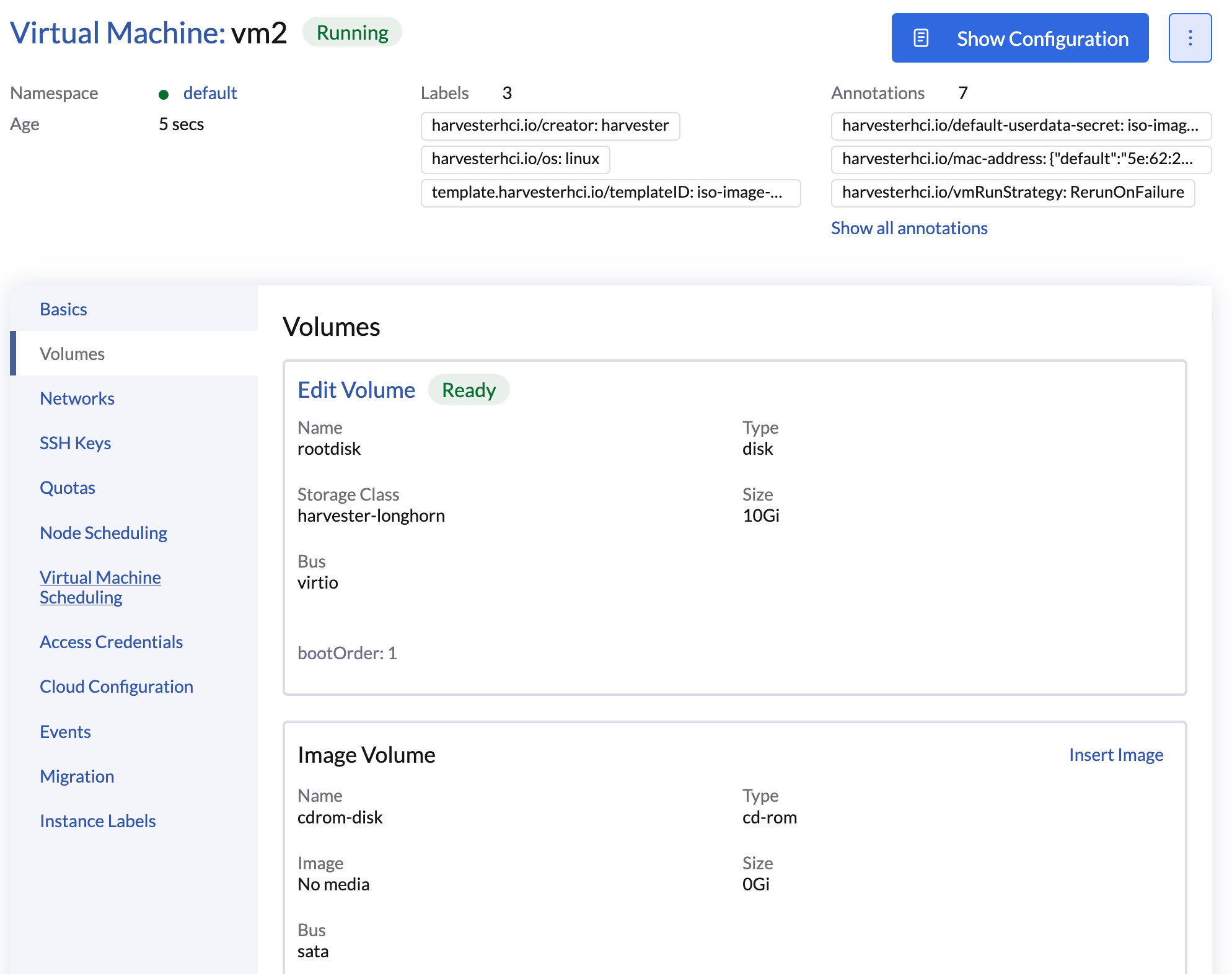
Locate the target empty CD-ROM volume, and then click Insert Image.
-
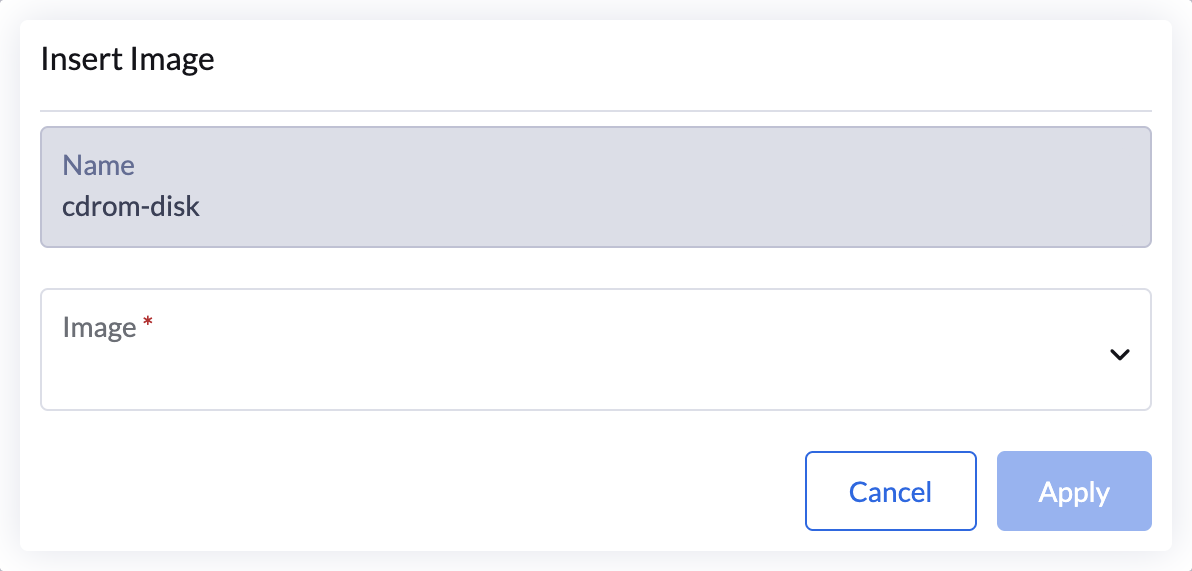
Select the Image and click Apply.