Clone VM
Available as of v1.1.0
VM can be cloned with/without data. This function doesn't need to take a VM snapshot or set up a backup target first.
The cloned virtual machine inherits the source's basic configuration. You can choose whether to include the source's volume data, as well as customize the clone's name and run strategy.
Clone a Virtual Machine with Volume Data
-
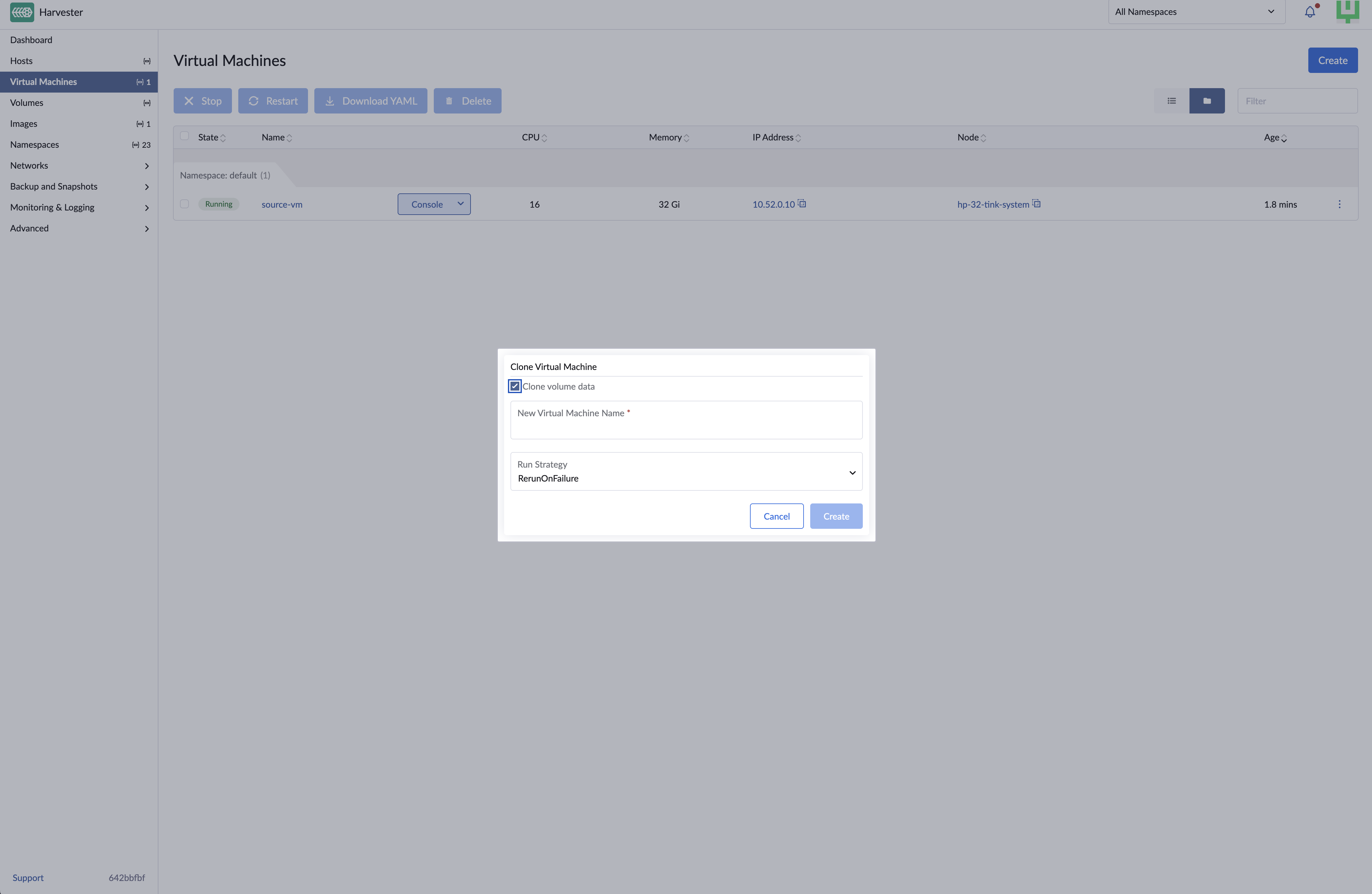
On the Virtual Machines screen, locate the target virtual machine and select ⋮ > Clone.
-
Specify a unique name for the cloned virtual machine.
-
Select a run strategy. The cloned virtual machine uses the source's run strategy by default.
-
Click Create.
Clone a Virtual Machine Without Volume Data
Cloning a virtual machine without volume data creates a new virtual machine with the same configuration as the source virtual machine.
-
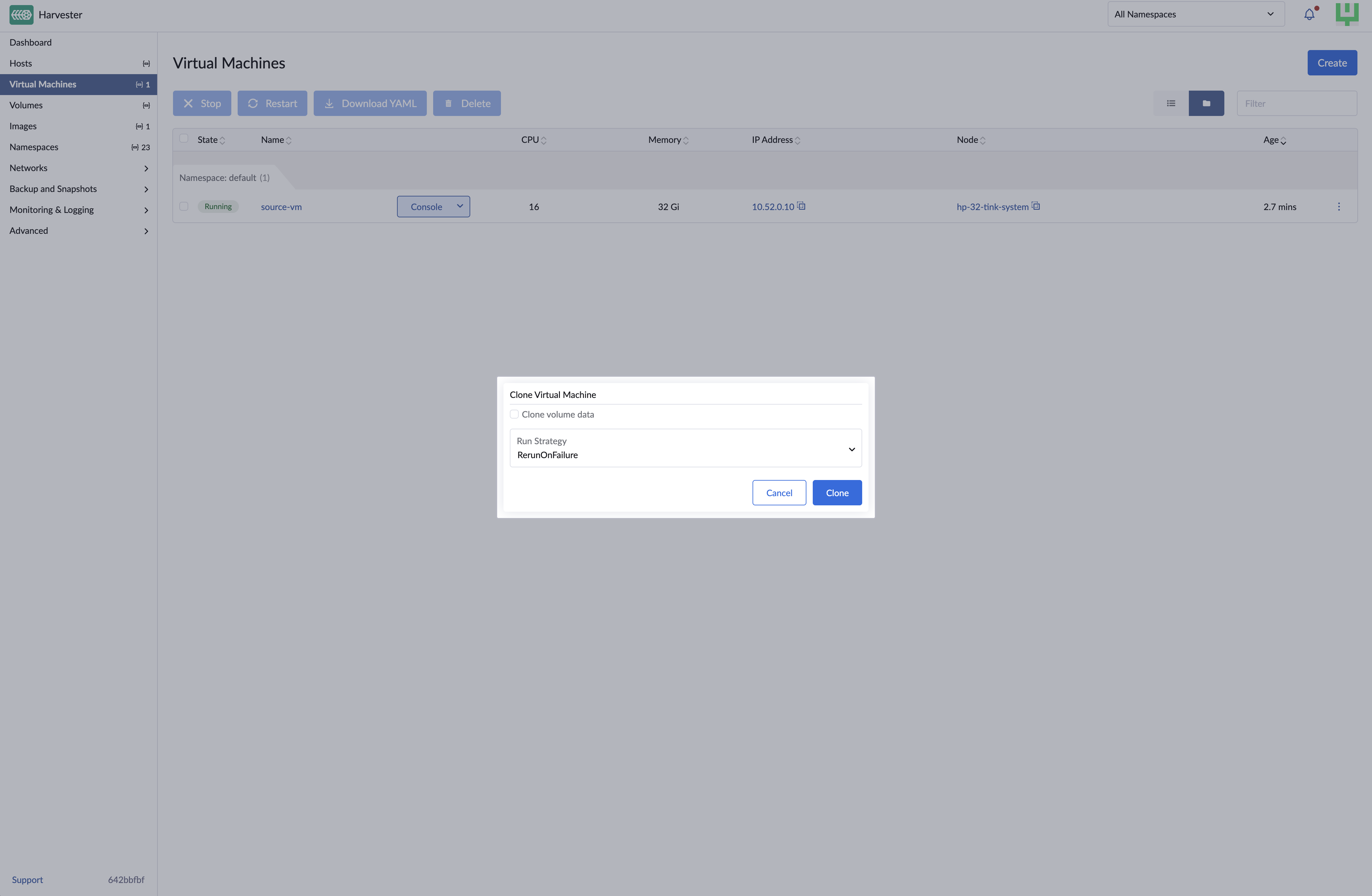
On the Virtual Machines screen, locate the target virtual machine and select ⋮ > Clone.
-
Clear Clone volume data.
-
Specify a unique name for the cloned virtual machine.
-
Select a run strategy. The cloned virtual machine uses the source's run strategy by default.
-
Click Create.
EFI and vTPM Persistent State
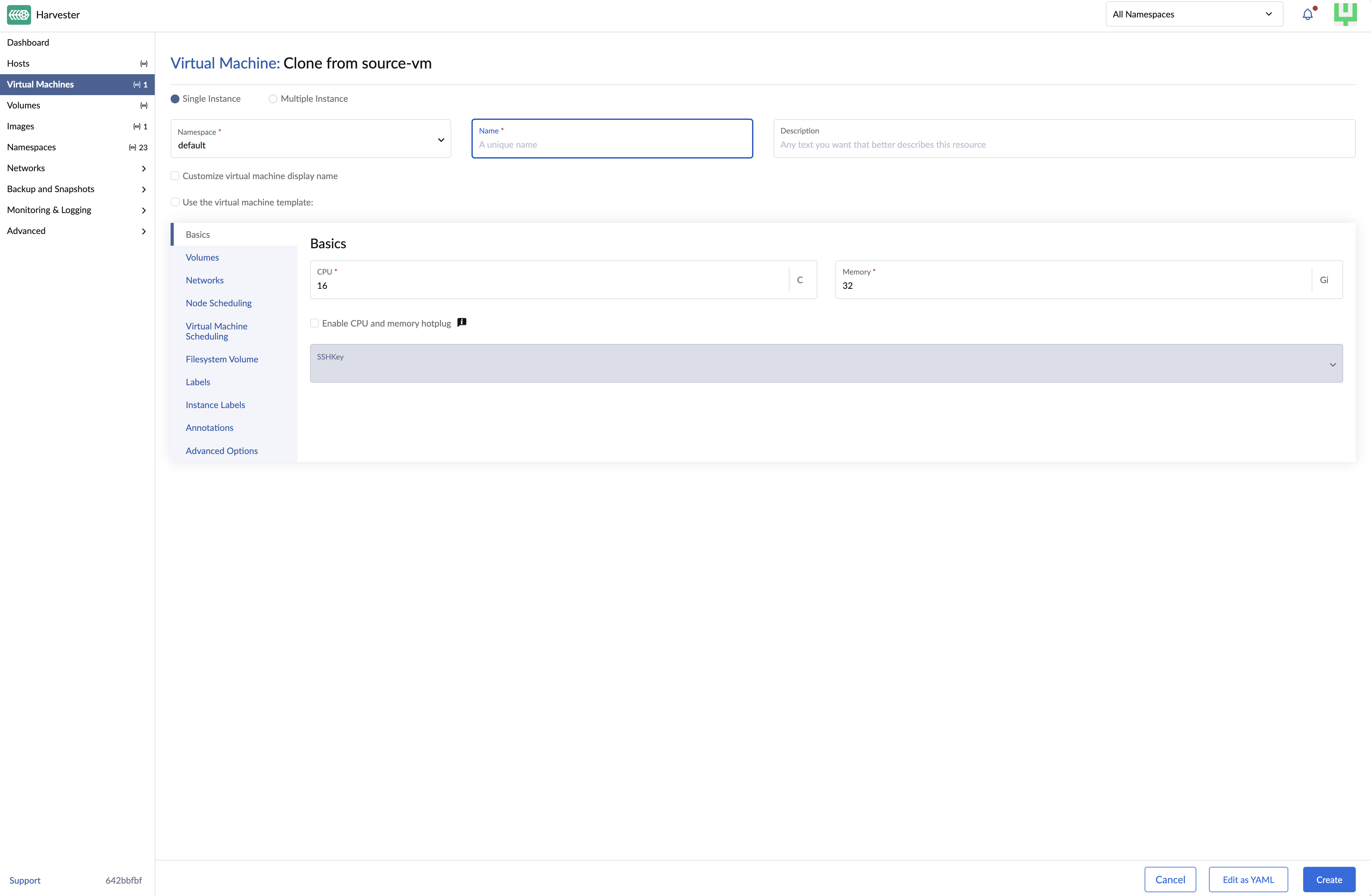
Harvester supports cloning virtual machines that use persistent EFI or vTPM states. During cloning, Harvester copies the underlying persistent data that the guest operating system depends on. This ensures the cloned virtual machine retains vital configuration details, such as EFI NVRAM settings and vTPM-stored data (including BitLocker recovery keys).
You can enable EFI and/or vTPM independently before cloning. Harvester preserves only the persistent state required by the cloned virtual machine.
| EFI Status | vTPM Status | Harvester Behavior |
|---|---|---|
| Enabled | Enabled | Preserves both persistent states |
| Enabled | Disabled | Preserves only the EFI state |
| Disabled | Enabled | Preserves only the vTPM state |
| Disabled | Disabled | Skips processing of persistent state storage |
The cloned virtual machine may remain in the Pending state while Harvester prepares the persistent state storage.
EFI and vTPM persistent state is stored separately from the volumes listed in spec.template.spec.volumes. Harvester creates this storage only after the source virtual machine has been started at least once. If the source virtual machine has never been started, cloning a virtual machine with EFI or vTPM persistent state can fail because the required source storage does not exist.
Because the persistent state is copied from the source virtual machine, guest-visible firmware identifiers such as the firmware UUID will be the same on the cloned virtual machine. The cloned virtual machine still has its own object identity in Harvester.